
The media player
for your Android TV.
A media player for the playlists you already have. Activate with a code on your TV, then add and organize your own media from a clean web portal — no long URLs typed with a remote.
The app
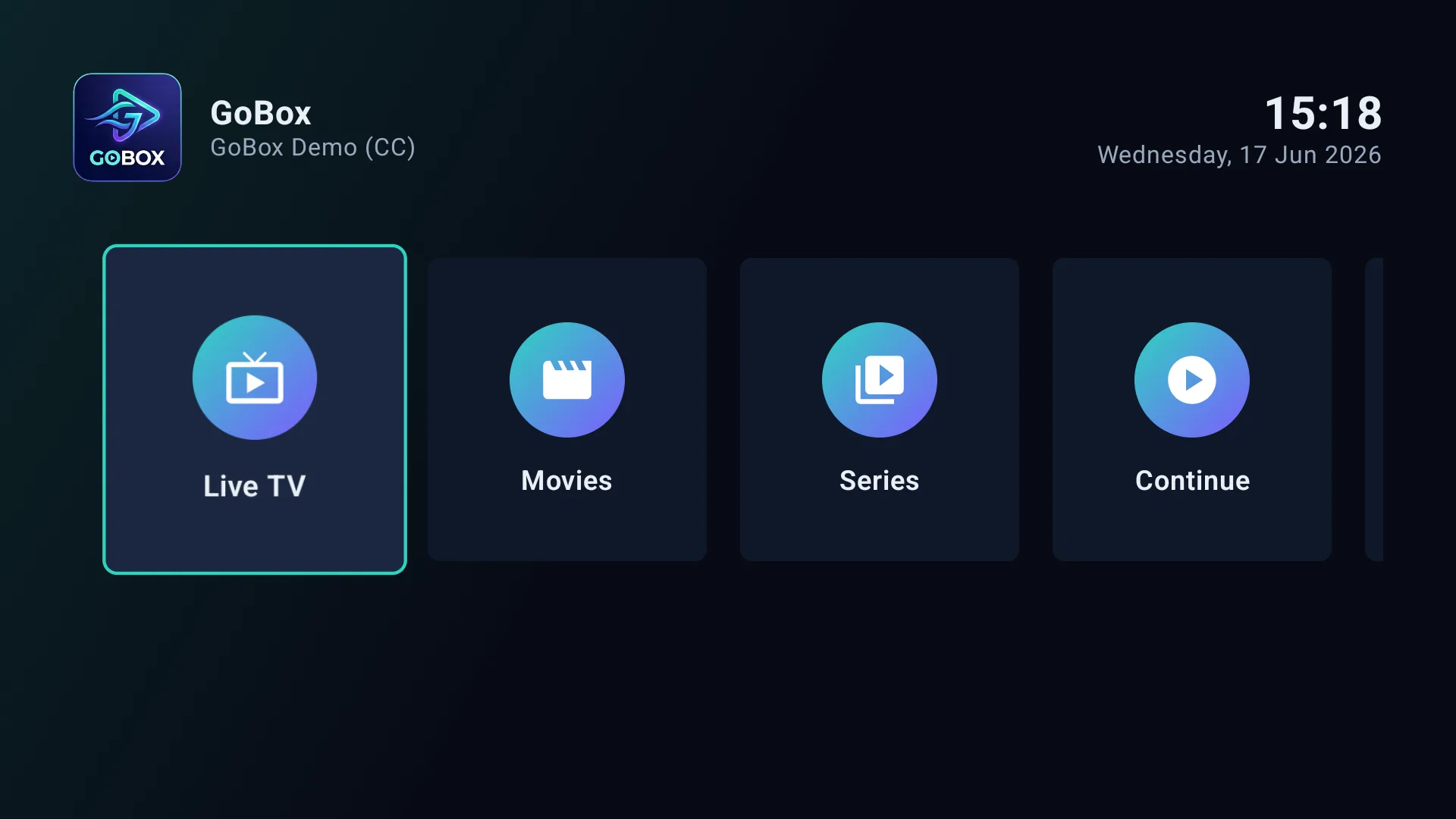
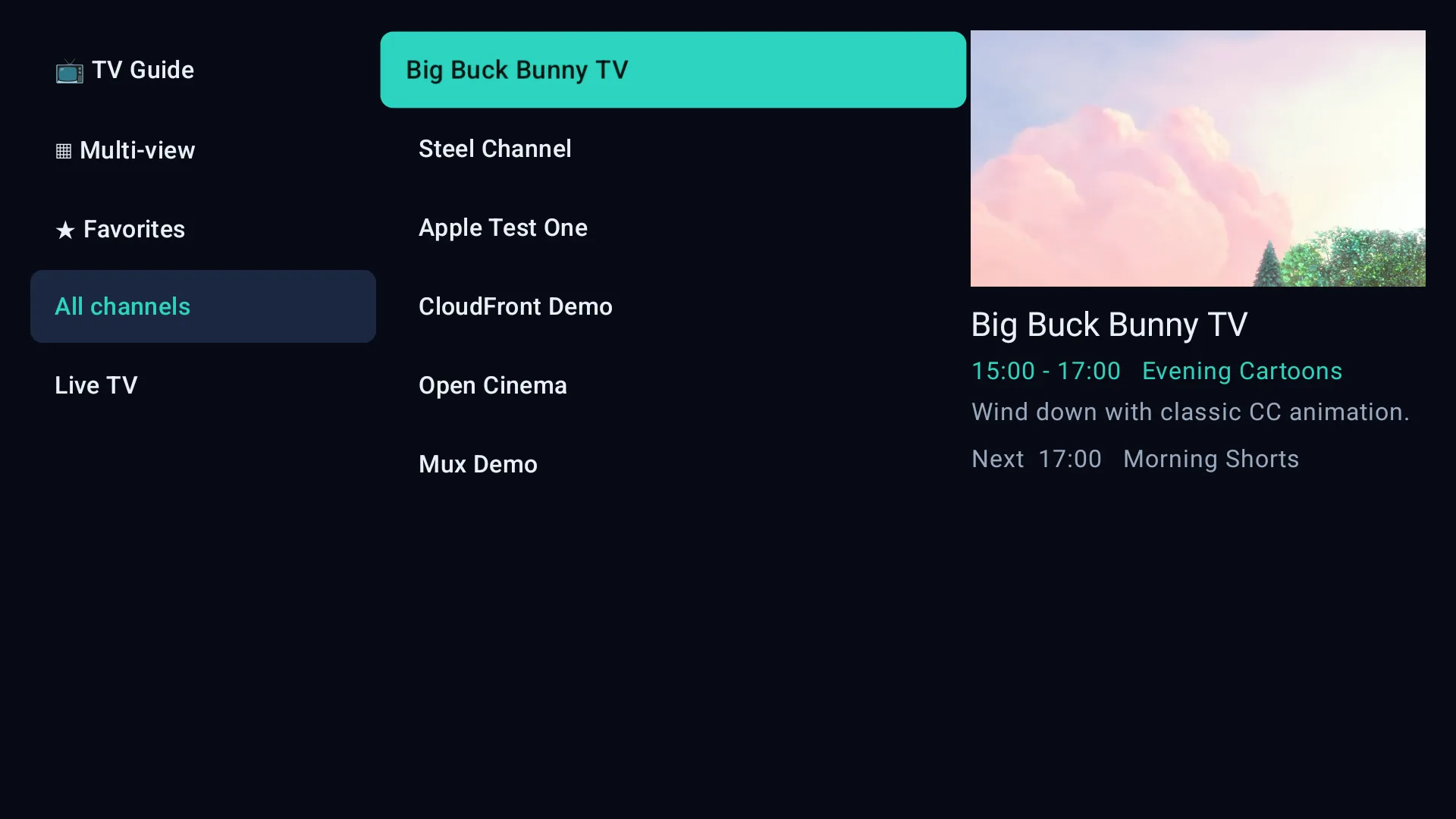
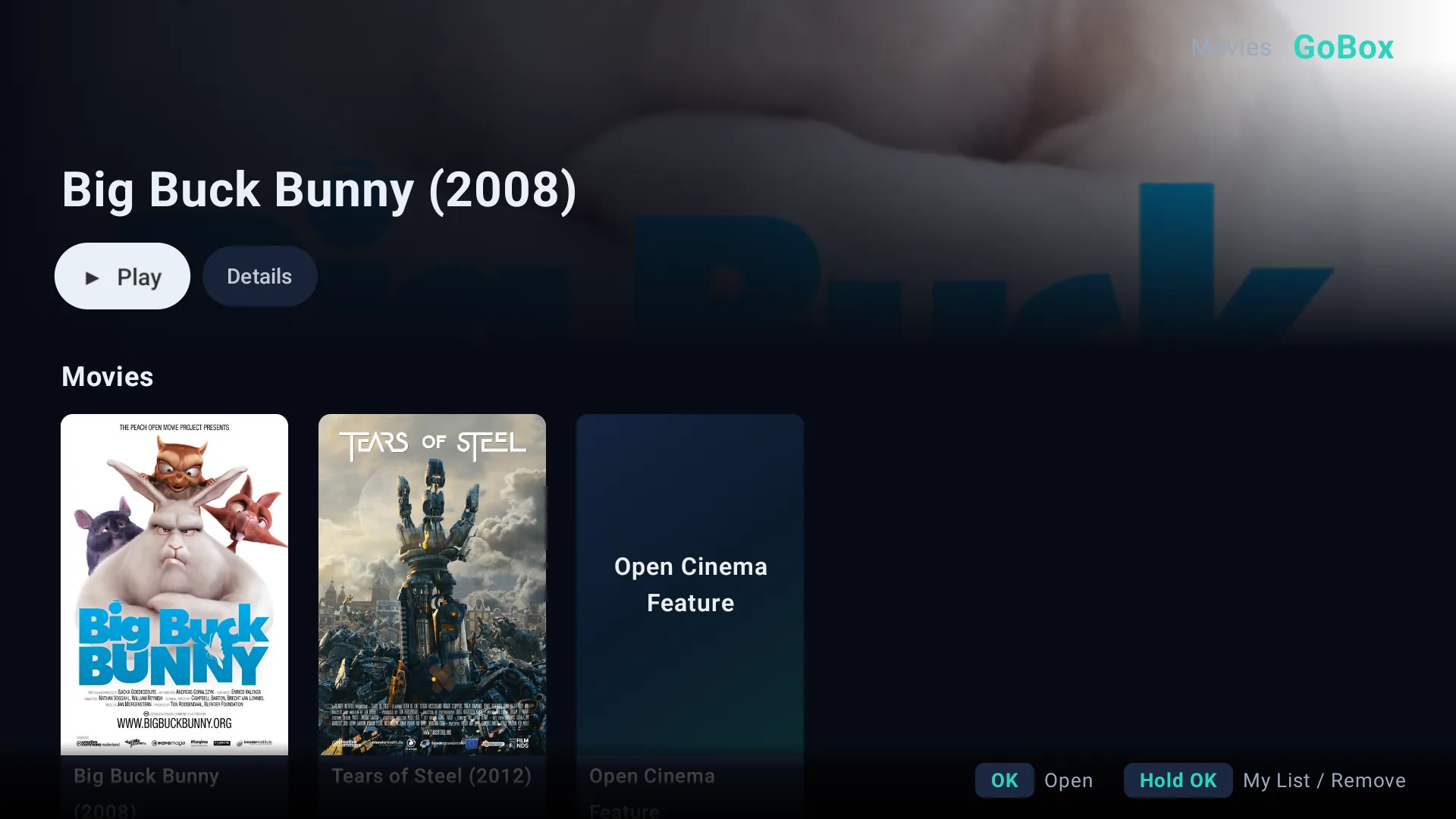
Built for the big screen
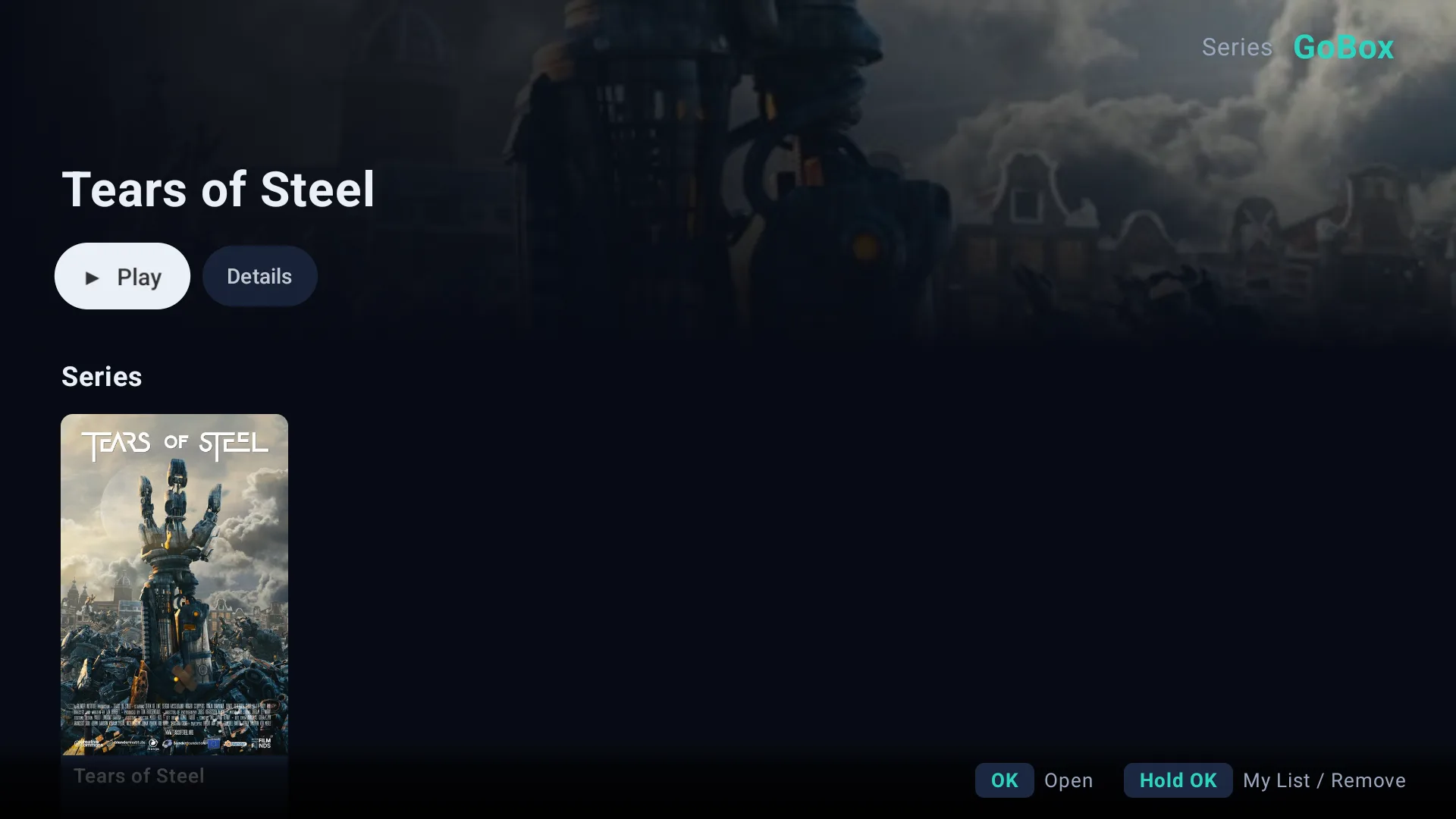
A fast, remote-friendly player for live, films and shows from your own playlists — on any Android TV or Google TV.
The web portal
You manage it from the web — the TV just plays
Every fiddly part lives in a clean browser dashboard, so the big screen stays effortless.
Add any source — checked instantly
M3U URL, Xtream login, or file upload. The portal verifies your playlist is live and real before it ever reaches your TV — no more dead links or empty screens.
One dashboard, every playlist
Add, rename, reorder and remove playlists from a clean browser. Changes sync to the player automatically — no fighting with the remote.
Sign in with a code
Open the app, read the MAC and 6-character code off your TV, and log in. No accounts, no passwords to remember.
Encrypted & private
Your source credentials are encrypted at rest and sent only to your own device. Your media never passes through us.
Refresh on demand
Changed your playlist? Hit Refresh on the TV or re-sync from the portal and your media updates on the spot.
Trial, then it's yours
Every device gets a 7-day free trial, managed per device from the portal. Keep it for $5/year or $50 once for lifetime.
Why GoBox
Everything in one place
The portal handles the fiddly parts so the TV stays simple.
Activate in seconds
Open the app, read the MAC and 6-character code off your TV, sign in. No typing long URLs with a remote.
All your playlists in one place
Add M3U URLs, Xtream Codes logins, or upload a file. Manage your own sources from a clean web dashboard.
Organized automatically
GoBox sorts your playlist into live, film and show sections and keeps the guide current — so your own media is easy to browse.
Plays straight from your source
The player streams directly from your own source. We store only the metadata you add — never your video.
Reorder, rename, control
Drag playlists into the order you want and name each device. Changes sync to the player instantly.
Private by design
Your source credentials are encrypted at rest and never resold or shared with anyone.
How it works
From box to big screen in three steps
Install the app
Get the app on your Android TV or Google TV from the store and open it.
Read your code
The activation screen shows a MAC address and a 6-character device code. That's all you need.
Attach your playlists
Sign in to the portal with that MAC + code, add your own playlists, and your media appears on the player instantly.
Ready when your TV is.
Open the app, grab your code, and sign in. Your media is a minute away.
Open the portal